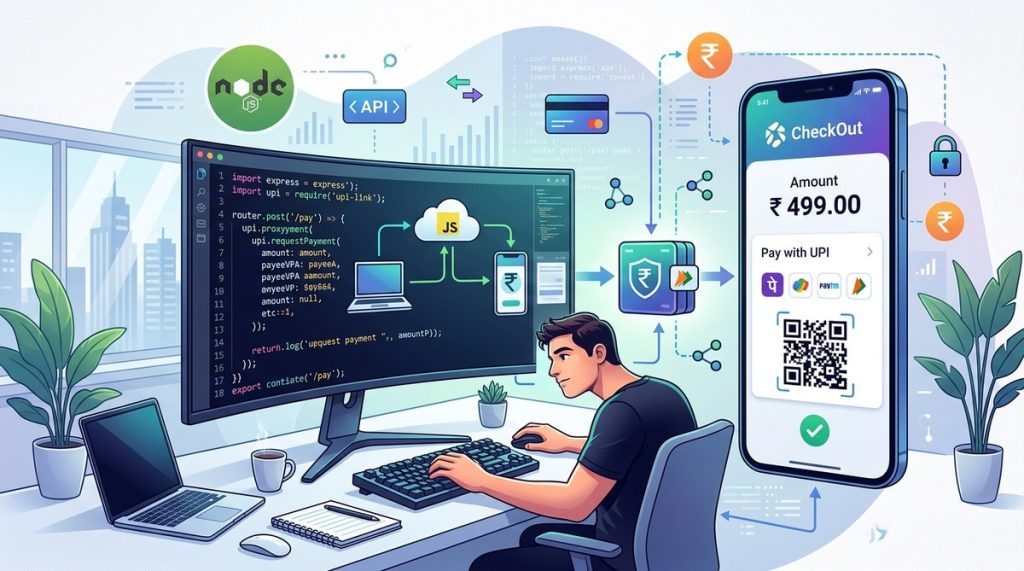
You have built a solid Node.js web application. Your users love the interface, the speed, and the features. But there is one missing piece that keeps them from completing a purchase: a smooth payment flow. In India, UPI is the payment method people trust. Whether it is splitting a dinner bill, paying the local grocer, or ordering a new phone, UPI has become the default. If your web app does not support UPI, you are leaving money on the table. This guide shows you exactly how to add UPI payment integration using Node.js, with real code snippets and practical advice. No fluff. Just working code and clear explanations.
Integrating a UPI payment gateway in a Node.js application involves choosing a provider like Razorpay or Cashfree, installing their SDK, creating server side endpoints to handle order creation and payment verification, and securing sensitive data with HTTPS and encryption. The process is simpler than many developers expect, and most providers offer excellent documentation. By following the steps in this guide, you can go from zero to a working UPI checkout in under an hour.
Why UPI matters for your Node.js app
India processed over 130 billion UPI transactions in 2025. That number keeps climbing. For any business that wants to sell online in India, accepting UPI is no longer optional. Your users expect it. They want to scan a QR code or enter a UPI ID and be done in seconds. UPI is also cheaper than card payments for you as a merchant. Most gateways charge a lower transaction fee for UPI compared to credit cards. This makes it a win win.
From a developer perspective, integrating UPI via a payment gateway is similar to adding any third party API. The gateway handles the complex interactions with the NPCI and the banks. You just need to create an order, send the user to the gateway, and listen for the callback. Node.js, with its non blocking I/O, is a great fit for handling payment requests and webhooks.
Choosing the right UPI payment gateway for Node.js
Before you write a single line of code, you need to pick a gateway provider. Several companies offer Node.js SDKs. Here is a comparison of the most popular ones in India.
| Gateway | Node.js SDK | Setup Time | Transaction Fee (UPI) | Special Features |
|---|---|---|---|---|
| Razorpay | Yes, official | 15 minutes | 2.0% + GST | Payment page, subscriptions, instant settlements |
| Cashfree | Yes, official | 20 minutes | 1.8% + GST | Auto collect, recurring payments, eMandate |
| PhonePe | Yes, via partner | 30 minutes | 0% up to a limit | Large user base, high success rate |
| Paytm | Yes, official | 20 minutes | 1.5% + GST | Paytm wallet integration, BNPL options |
| Instamojo | Yes, official | 10 minutes | 2.0% + GST | Simple API, no monthly fees |
For most startups and mid size businesses, Razorpay or Cashfree are solid choices. They have excellent documentation, a large developer community in India, and responsive support. In this guide I will use Razorpay as the example, but the steps are similar for others.
Prerequisites for UPI integration
Make sure you have these ready before you start coding.
- Node.js version 18 or later installed on your machine.
- A payment gateway account (for testing, use the sandbox environment).
- API key and secret from your gateway dashboard.
- A domain that supports HTTPS (for production, this is mandatory).
- A basic understanding of Express.js or similar framework.
If you are new to Node.js and want to brush up on the basics, check out our article on essential web development tools every startup should use. It includes tips on setting up your development environment.
Step by step integration process
Step 1: Set up your Node.js project
Create a new directory and initialize npm.
mkdir upi-payment-example
cd upi-payment-example
npm init -y
Install the gateway SDK and other dependencies.
npm install razorpay express dotenv
Create a file called .env and add your API credentials.
RAZORPAY_KEY_ID=your_key_id
RAZORPAY_KEY_SECRET=your_key_secret
PORT=3000
Step 2: Create a basic Express server
Create server.js and set up a simple Express app with environment variables.
require('dotenv').config();
const express = require('express');
const Razorpay = require('razorpay');

const app = express();
app.use(express.json());

const razorpay = new Razorpay({
  key_id: process.env.RAZORPAY_KEY_ID,
  key_secret: process.env.RAZORPAY_KEY_SECRET,
});

app.listen(process.env.PORT, () => {
  console.log(`Server running on port ${process.env.PORT}`);
});
Step 3: Create an order endpoint
When the user clicks pay, your server needs to create a payment order with Razorpay and return the order details to the frontend.
app.post('/api/create-order', async (req, res) => {
  const { amount, currency = 'INR' } = req.body;

  const options = {
    amount: amount * 100, // Razorpay takes amount in paise
    currency,
    receipt: `receipt_${Date.now()}`,
  };

  try {
    const order = await razorpay.orders.create(options);
    res.json(order);
  } catch (error) {
    res.status(500).send(error);
  }
});
Step 4: Serve the checkout page
Create a simple HTML file (or use your frontend framework) that calls this endpoint and then opens the Razorpay checkout. The frontend handles the UPI payment UI. When payment is successful, Razorpay returns a payment_id and signature.
Step 5: Verify payment on the server
Never trust the client alone. Always verify the payment signature server side.
const crypto = require('crypto');

app.post('/api/verify-payment', (req, res) => {
  const { razorpay_order_id, razorpay_payment_id, razorpay_signature } = req.body;

  const body = razorpay_order_id + '|' + razorpay_payment_id;

  const expectedSignature = crypto
    .createHmac('sha256', process.env.RAZORPAY_KEY_SECRET)
    .update(body)
    .digest('hex');

  if (expectedSignature === razorpay_signature) {
    // Payment is valid. Update your database.
    res.json({ status: 'success' });
  } else {
    res.status(400).json({ status: 'failed' });
  }
});
That is the core integration. You now have a working UPI payment flow. You can extend it with webhooks for handling refunds, failed payments, and more.
Common mistakes and how to avoid them
Even experienced developers stumble on these points. Here is a list of pitfalls to watch for.
- Storing API keys in plain text. Use environment variables or a secrets manager.
- Forgetting to verify the payment signature on the server. This can lead to fraudulent charges.
- Not handling webhook idempotency. Your webhook handler might receive the same event twice.
- Hardcoding amounts without validation. Always check that the amount sent from the frontend matches the order created on the server.
- Ignoring timeouts. Set reasonable timeouts for API calls, especially during network issues.
"The biggest mistake I see in Node.js payment integrations is failing to handle the asynchronous nature of webhooks. Developers write synchronous code and miss events. Always use a message queue if your volume is high."
– Ravi S., Senior Backend Engineer at a Bengaluru fintech startup
Security and compliance best practices
UPI transactions involve sensitive financial data. Follow these guidelines to keep your integration secure.
- Use HTTPS everywhere. Never send payment data over HTTP.
- Keep your API keys out of version control. Add
.envto.gitignore. - Use a dedicated database for transactions. Record all request and response logs.
- Follow PCI DSS level 4 requirements if you store any card data. For UPI, you typically do not store card numbers, but still implement strong access controls.
- Set up rate limiting on your order creation endpoint to prevent abuse.
For more on securing your web application, read our guide on proven development strategies. It includes performance and security tips that apply directly to payment systems.
Testing your UPI integration before going live
Most gateways offer a test mode. Razorpay, for example, provides test card and UPI IDs that simulate successful and failed transactions. Use these to verify both happy paths and error paths.
Things to test:
- Successful payment with UPI ID
success@razorpay. - Failed payment (user closes the payment window).
- Signature verification with a tampered response.
- Duplicate order creation (ensure idempotency).
- Webhook delivery of payment captured event.
Production deployment checklist
When you move to production, do not skip these tasks.
- Switch from test keys to live API keys.
- Enable webhook endpoints with a secret token.
- Monitor payment success rates. Use a tool like Sentry or a custom dashboard.
- Set up automated alerts for high failure rates or unusual patterns.
- Test with various UPI apps: Google Pay, PhonePe, Paytm, BHIM.
Also consider your server scaling. If you expect high traffic during a sale, use a load balancer and possibly a queue like RabbitMQ for processing webhooks. Node.js can handle many concurrent connections, but database writes can become a bottleneck.
Going beyond basic UPI payments
Once the standard one time payment works, you can add more features.
- Recurring payments: For subscriptions, use the gateway's tokenisation API. Users authorise once, and you can charge them monthly.
- Instant settlements: Some gateways allow you to settle funds to your bank account immediately, though at a higher fee.
- QR code payments: Generate a dynamic QR code for in person or invoice payments.
- UPI AutoPay: This is still rolling out in India but allows recurring mandates without a debit card.
If you are building a progressive web app (PWA) and want to offer an even smoother payment experience, see our guide on mastering progressive web apps. PWAs can trigger UPI apps directly on mobile devices.
Your next steps as a Node.js developer
Adding UPI payments to your Node.js app does not have to be a two week project. With a well documented gateway and the steps above, you can ship a working integration in a single sprint. Start with the sandbox environment. Write your order creation and verification endpoints. Test with dummy UPI IDs. Then celebrate when that first test payment shows up in your dashboard.
After you go live, keep an eye on your payment success rates and user feedback. UPI is a fast moving space in India. New gateways and features appear regularly. Stay curious and update your integration when needed.
If you found this guide useful, you might also enjoy our article on web development trends in 2026. It covers other technologies that are shaping the Indian web landscape.